Why I built Spark
I’d been wanting to learn how to build plugins for ChatGPT. Rather than follow a tutorial or build something just to experiment with the technology, I wanted to solve a problem I actually had.
I use ChatGPT to brainstorm all kinds of ideas, from software projects to personal goals. It’s great for taking a rough thought and turning it into something more concrete. But there’s a problem with using conversations as a place to develop ideas: eventually, those ideas get buried.
I might spend an hour exploring something, then come back a week later and struggle to remember which conversation it was in. Even when I found it, continuing the idea in a new chat wasn’t always straightforward.
I wanted a way to capture an idea while I was discussing it, then pick it back up whenever I wanted, without digging through old conversations.
That’s where Spark started.
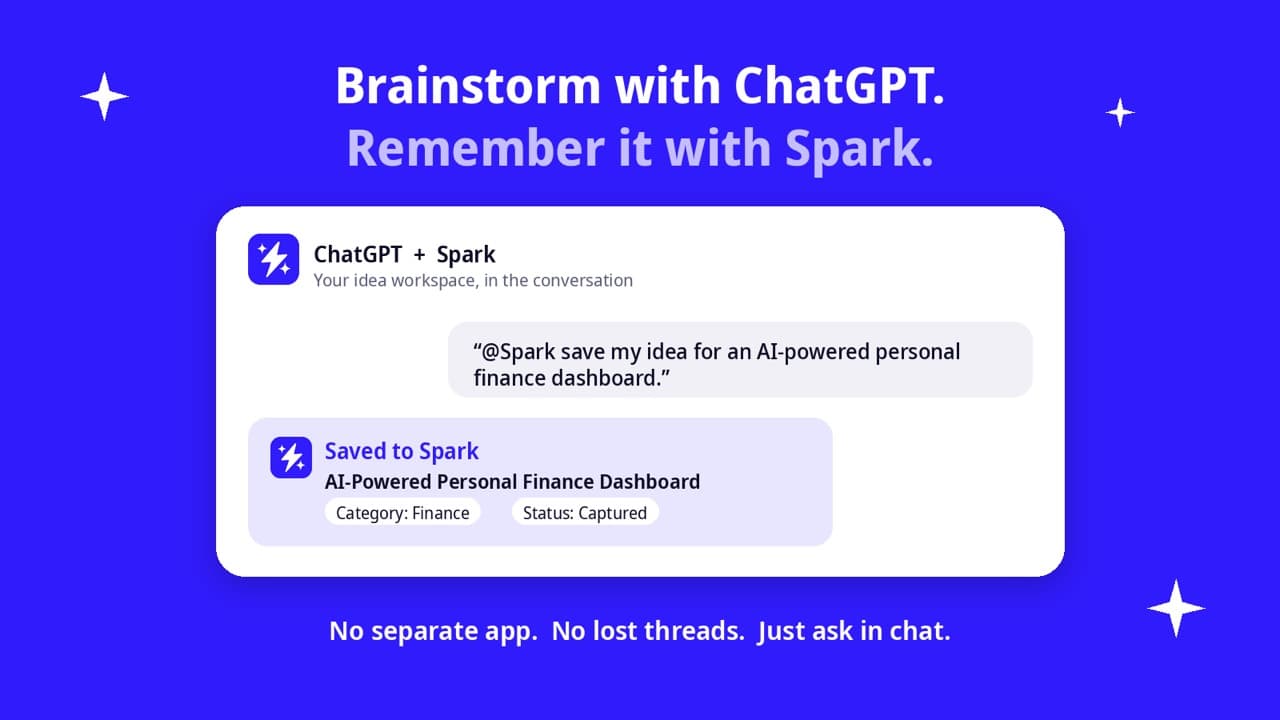
Why a plugin instead of another app?
My first thought wasn’t to build a traditional idea-management application. There are already plenty of those.
The problem wasn’t that I needed another place to write things down. It was that I was already doing the thinking inside ChatGPT, and I wanted my ideas to be available there.
Building a standalone app would have introduced another step: leave the conversation, open the app, save the idea, and return when I wanted to work on it again.
A plugin offered a more natural experience.
I could tell ChatGPT to save an idea to Spark, ask it to show me what I’d been working on, or continue developing an existing idea. ChatGPT would remain the interface, while Spark handled the storage and organization behind the scenes.
That distinction became the foundation of the project. I wasn’t trying to replace ChatGPT’s conversational experience. I wanted to extend what I could do with it.
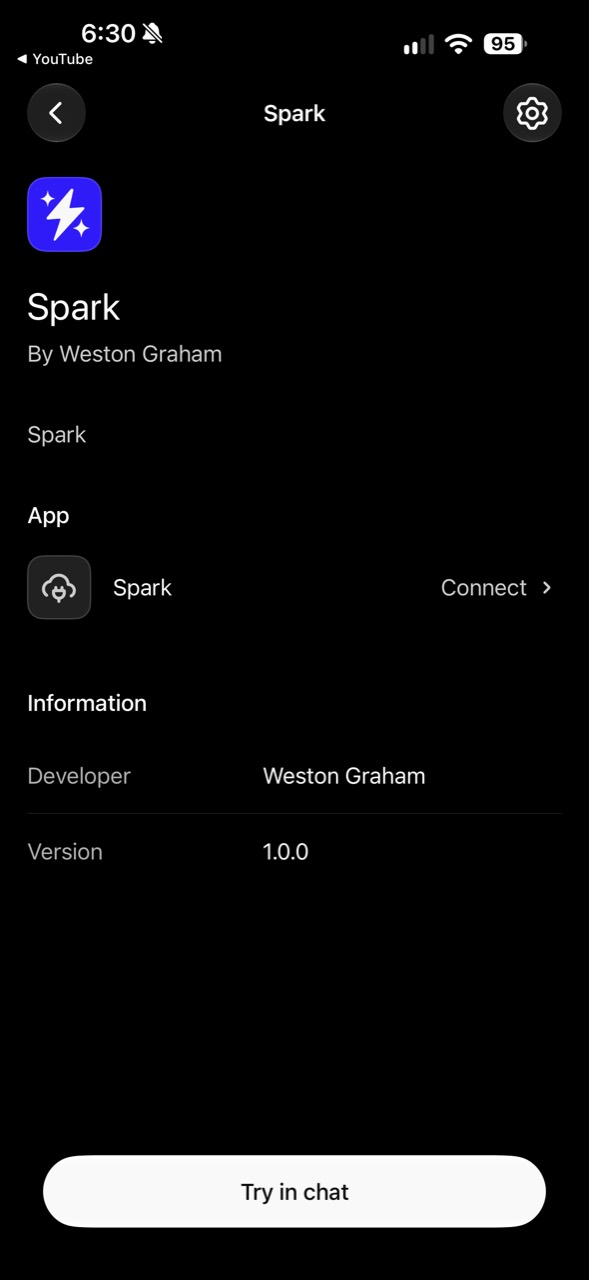
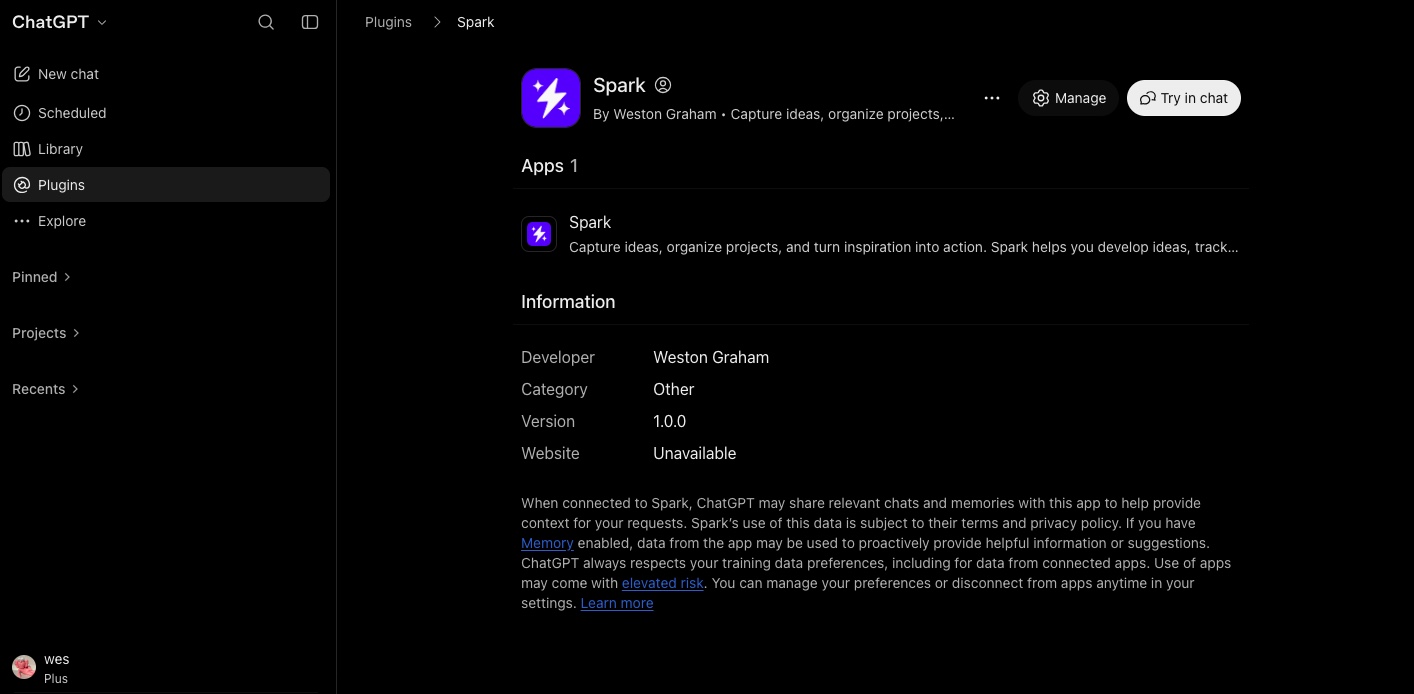
Figuring out the architecture
Before building Spark, I needed to understand how ChatGPT could communicate with an application I controlled.
That’s where the Model Context Protocol (MCP) came in.
MCP provides a way for AI applications to interact with external tools through a defined interface. Instead of expecting ChatGPT to manage my ideas itself, I could expose specific actions through a server and let ChatGPT call them when needed.
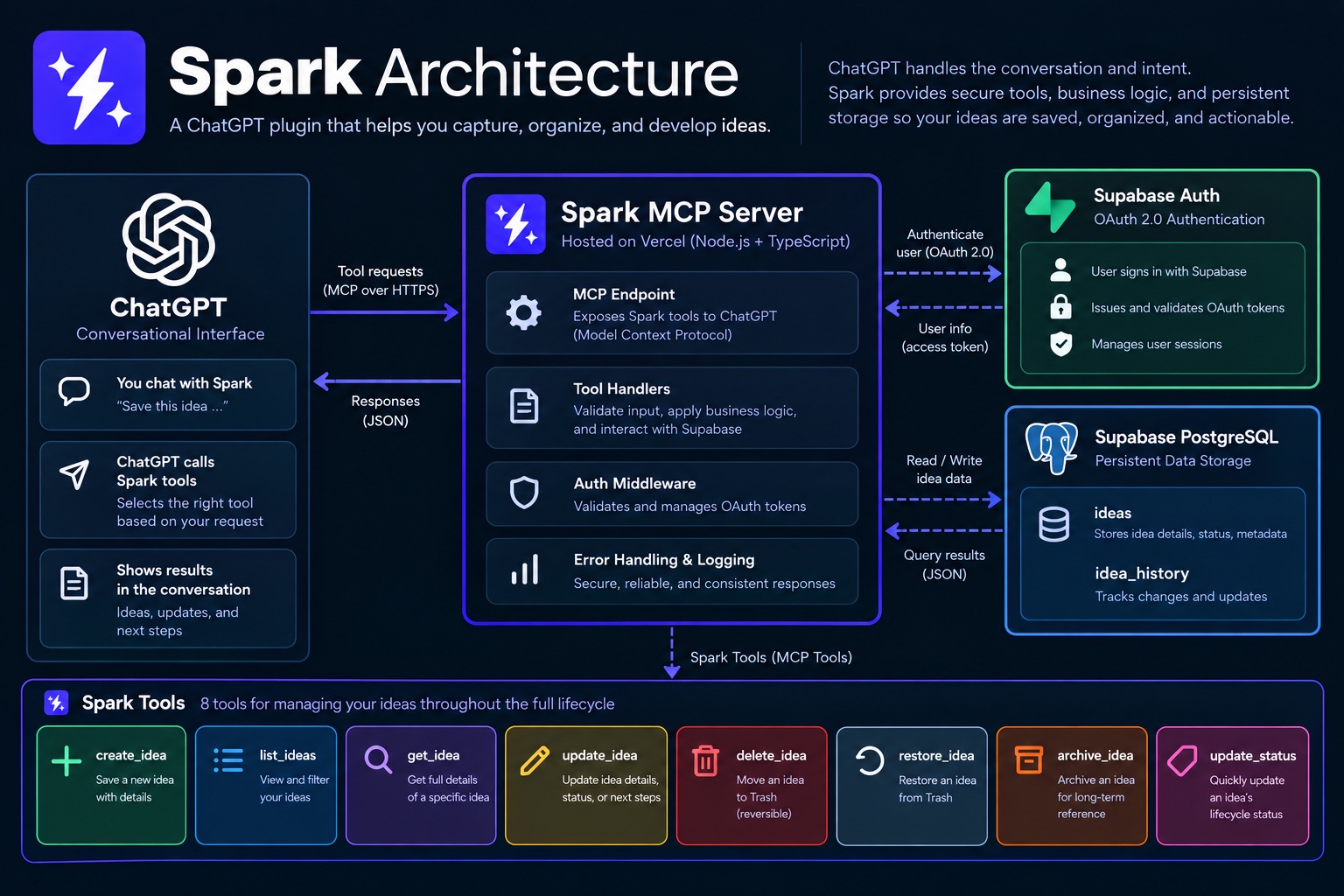
I designed Spark around a few responsibilities:
- ChatGPT handles the conversation and interprets what I want to do.
- Spark’s MCP server exposes the tools that let ChatGPT work with my ideas.
- Supabase and PostgreSQL store the ideas so they persist beyond any individual conversation.
- OAuth handles authentication and authorization so access is tied to the appropriate account.
I built the backend with TypeScript and Node.js and deployed the application infrastructure using Vercel.
One of the decisions I liked most was keeping the conversation separate from the data. My ideas wouldn’t depend on a particular chat staying accessible. They would live in Spark, and ChatGPT would be one way to interact with them.
That separation would also become useful later when I started exploring support for another AI assistant.
Building the first four tools
I wanted to start small. Before adding more features, I needed to prove that ChatGPT could reliably interact with ideas stored outside the conversation.
I started with four tools:
- Save idea: Capture a new idea.
- List ideas: Retrieve saved ideas.
- Get idea: Open the details of a specific idea.
- Update idea: Change an existing idea as it develops.
Those four operations covered the workflow I originally wanted.
I could brainstorm something in ChatGPT, save it, and come back to it later. If the idea evolved, I could update it without creating another disconnected conversation.
I also gave ideas lifecycle statuses: Captured, Exploring, Validating, Building, Shipped, and Archived.
That made Spark more than a collection of notes. I could distinguish between an idea I’d just thought of and a project I was actively working on.
For example, I could ask ChatGPT to move CarryMind into Exploring, and Spark would update the stored idea.
The important part wasn’t the number of tools. It was that each one represented a clear action that could be performed through a conversation.
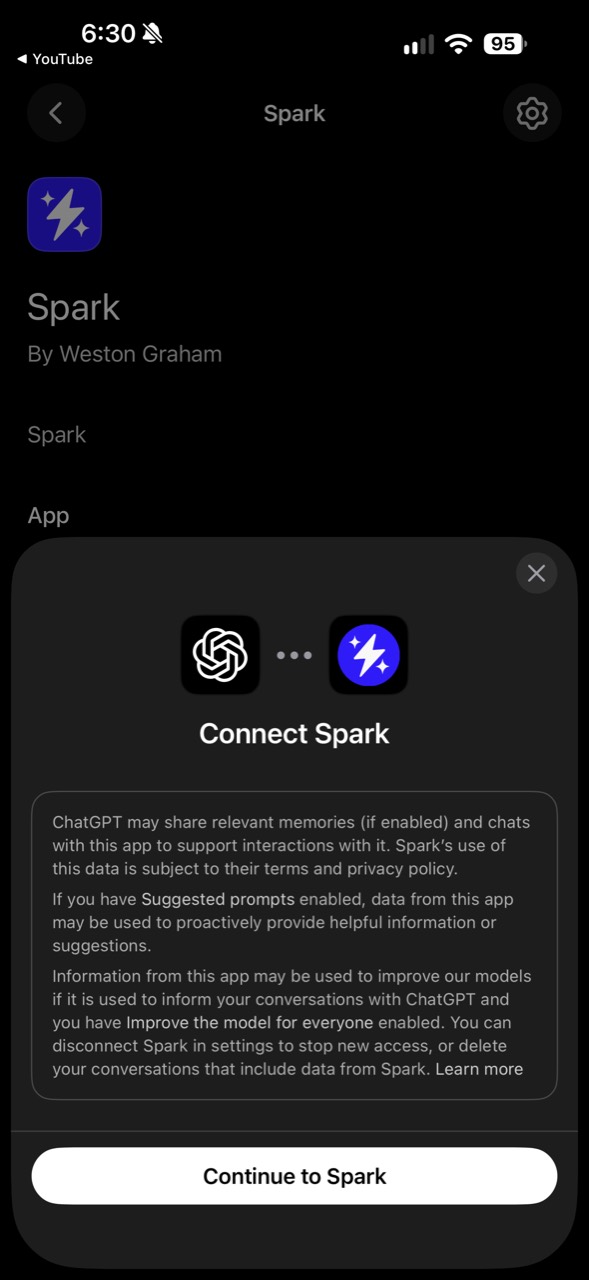
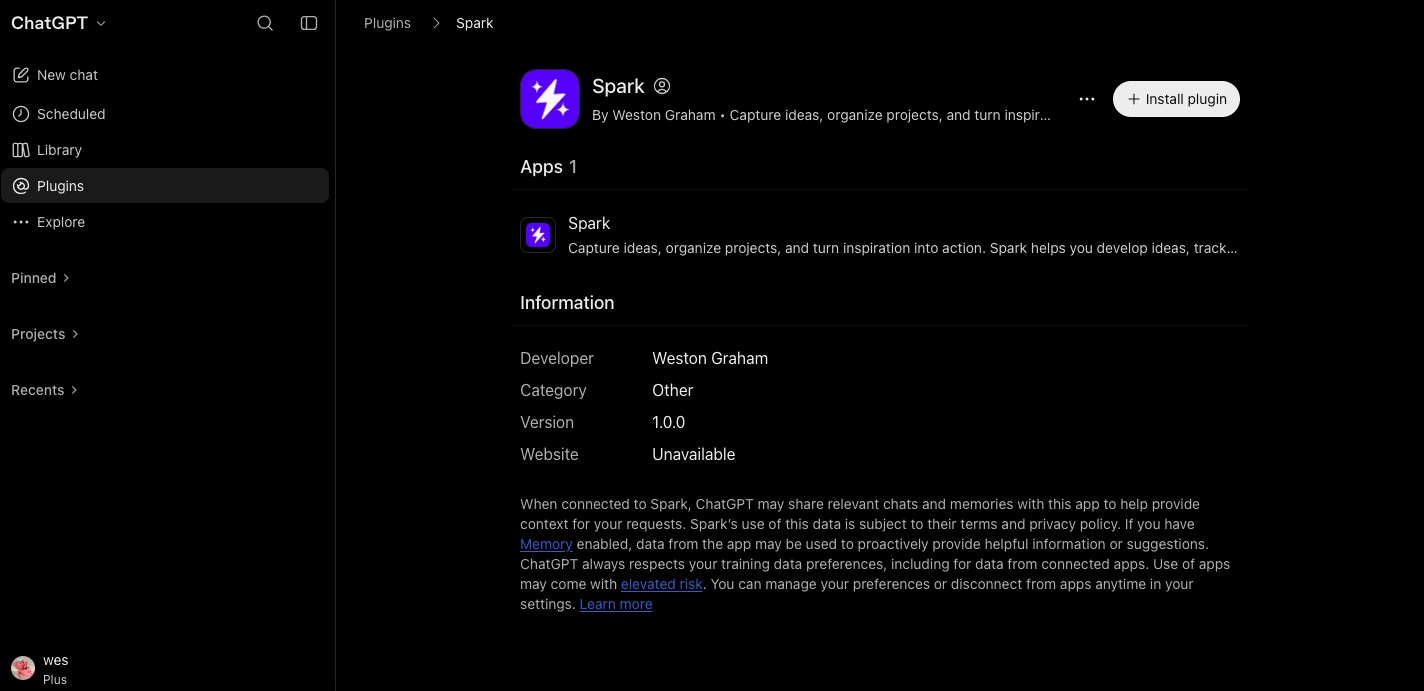
Getting ChatGPT connected
Building the tools was one part of the challenge. Getting ChatGPT authenticated and connected to Spark was another.
This was probably the most frustrating part of the initial development.
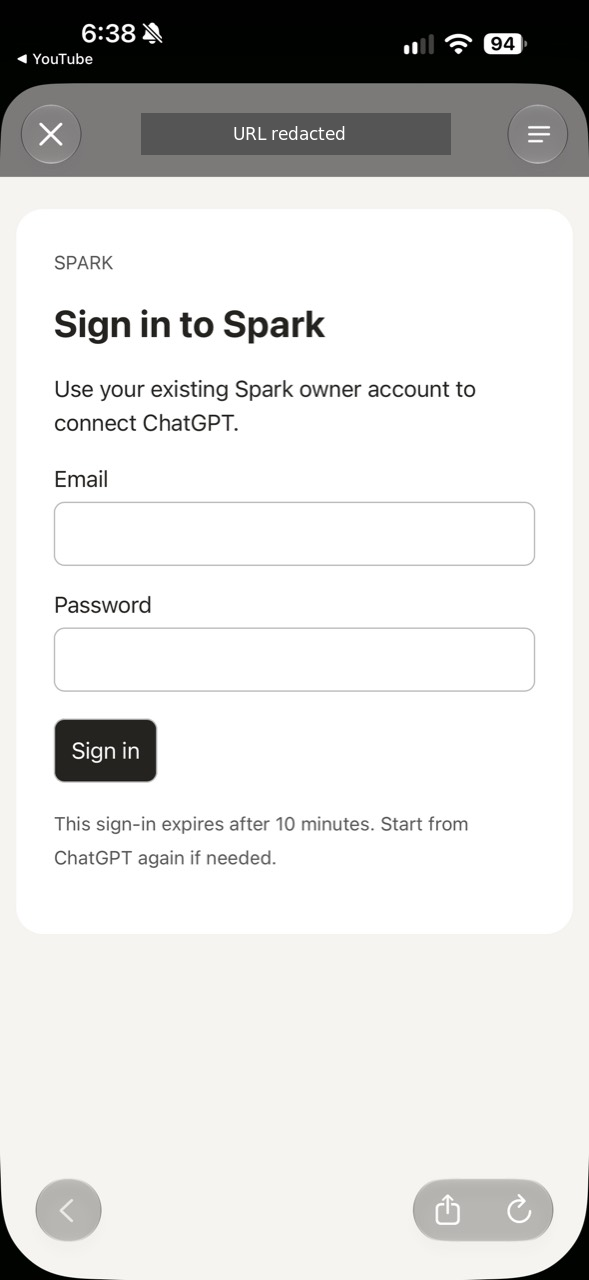
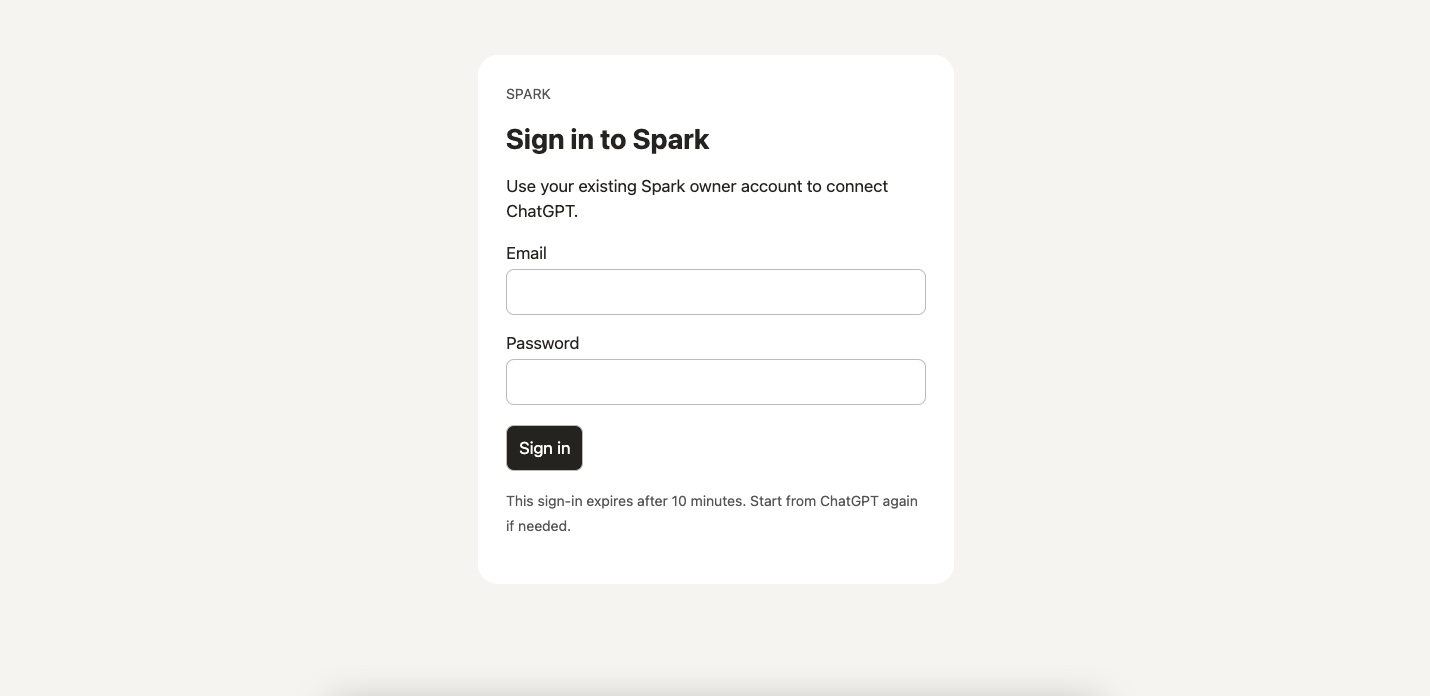
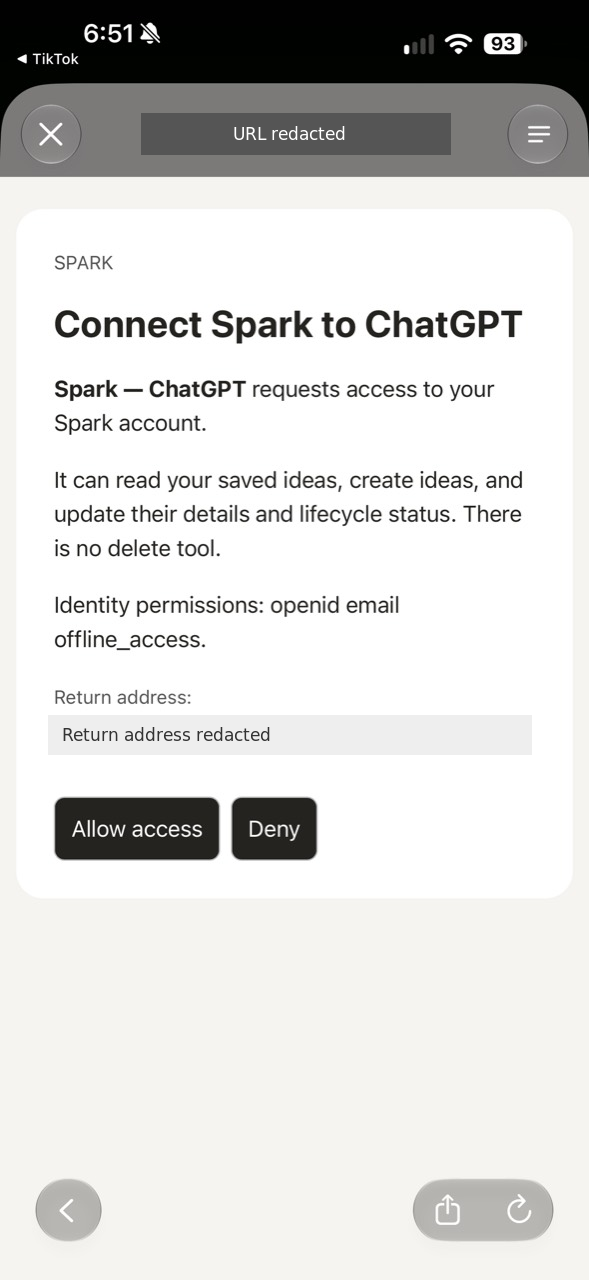
At different points, I ran into sign-in screens that went blank, buttons that needed to be clicked twice, repeated login prompts, and connection errors even after approving access.
The tricky part was that authentication involves several steps. Seeing a login page doesn’t mean authentication succeeded. Approving access doesn’t necessarily mean ChatGPT can call a tool successfully.
I had to think about the entire connection flow rather than treating each screen as an isolated problem.
OAuth added complexity, but it served an important purpose. I wanted Spark to have a proper authorization flow rather than relying on a hardcoded credential or treating every request as trusted.
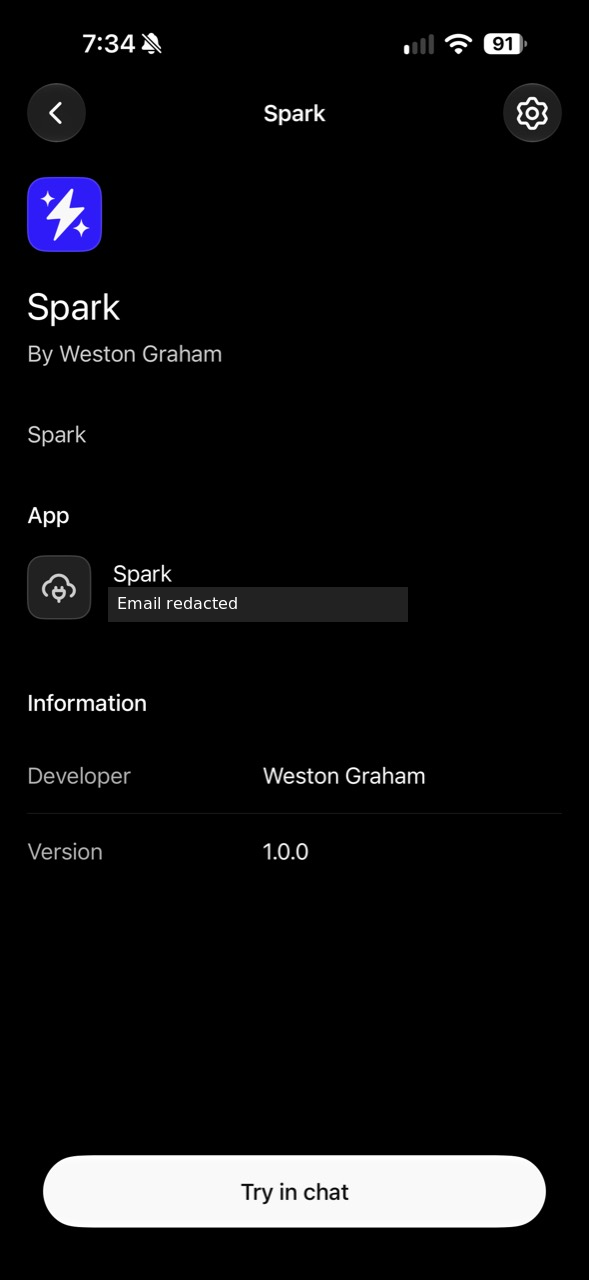
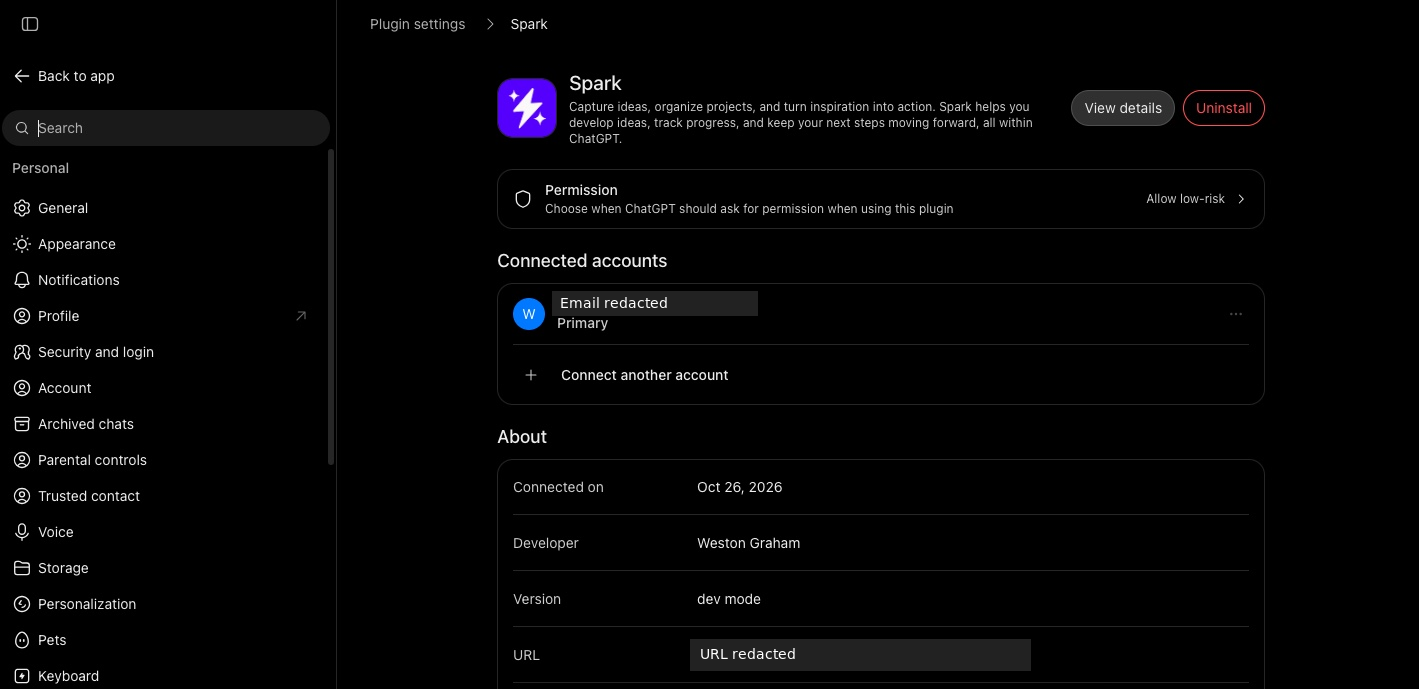
Eventually, I got the connection working.
That was a milestone, but I still needed to verify that ChatGPT could actually use Spark’s tools.
A real desktop browser capture will appear here.
The moment it worked
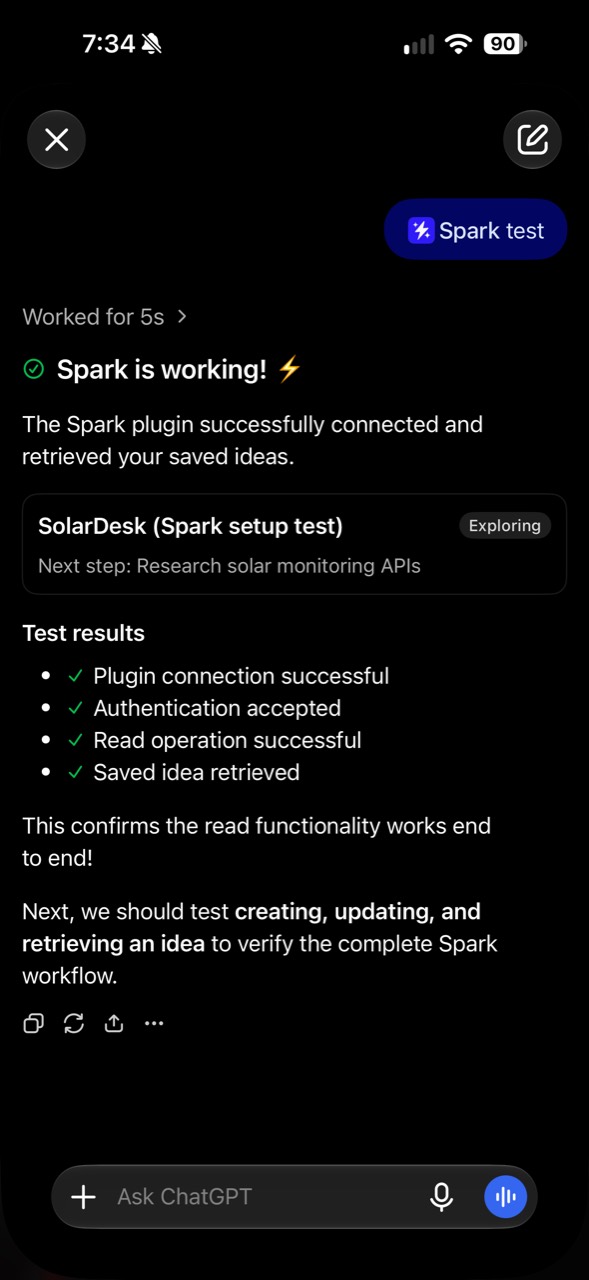
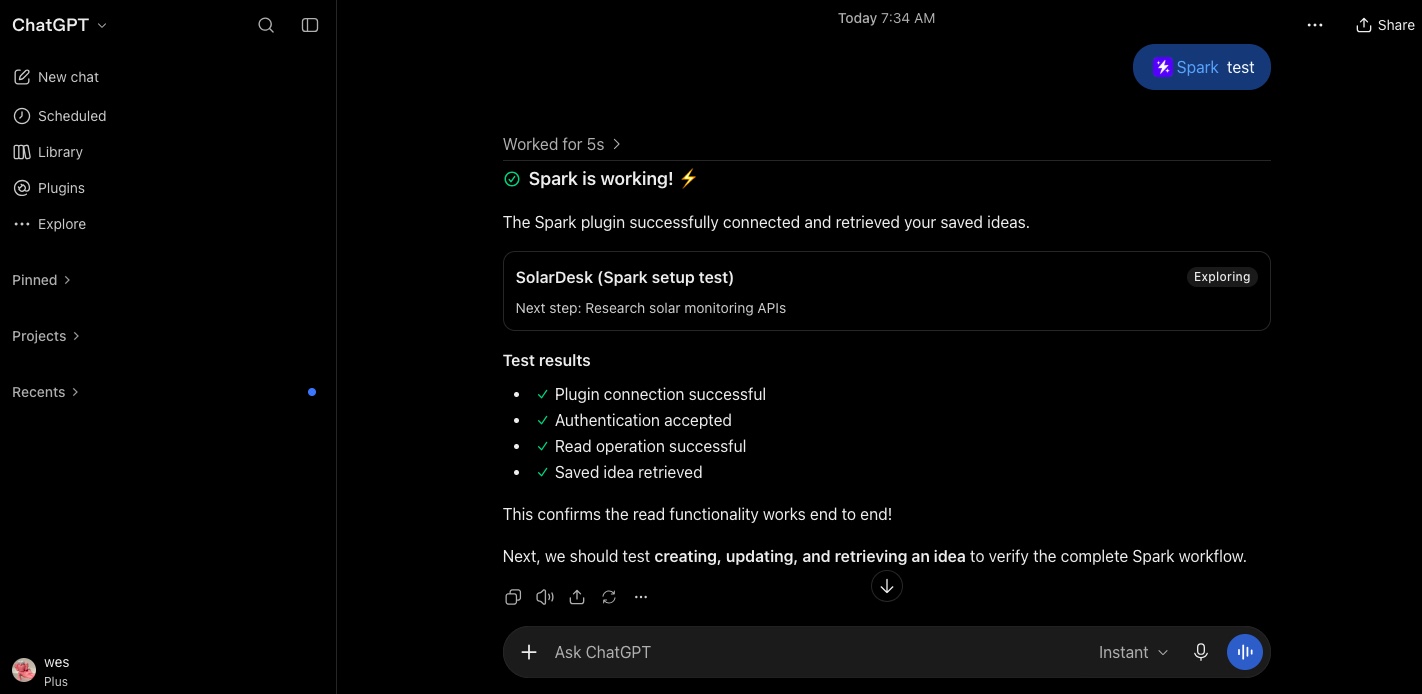
My first successful retrieval involved a test idea called SolarDesk.
I asked ChatGPT to retrieve the idea through Spark, and it returned the information I’d saved.
It sounds simple, but that was the moment the project came together for me.
The conversation was no longer limited to information contained in that chat. ChatGPT could call a tool I’d built, access data stored in my application, and bring that information back into the conversation.
The connection was working across the pieces I’d designed: authentication, the MCP server, the tool implementation, and the database.
More importantly, it solved the problem that made me start building Spark in the first place.
I could save something in one conversation and retrieve it in another.
Growing beyond the original idea
Once the basic workflow was working, I started thinking about what would make Spark more useful over time.
Saving and updating ideas was a good starting point, but ideas don’t always develop in a straight line. Sometimes I want to add a thought without replacing what’s already there. Sometimes I want to see how an idea has changed. And sometimes I remove something, only to decide later that it’s worth revisiting.
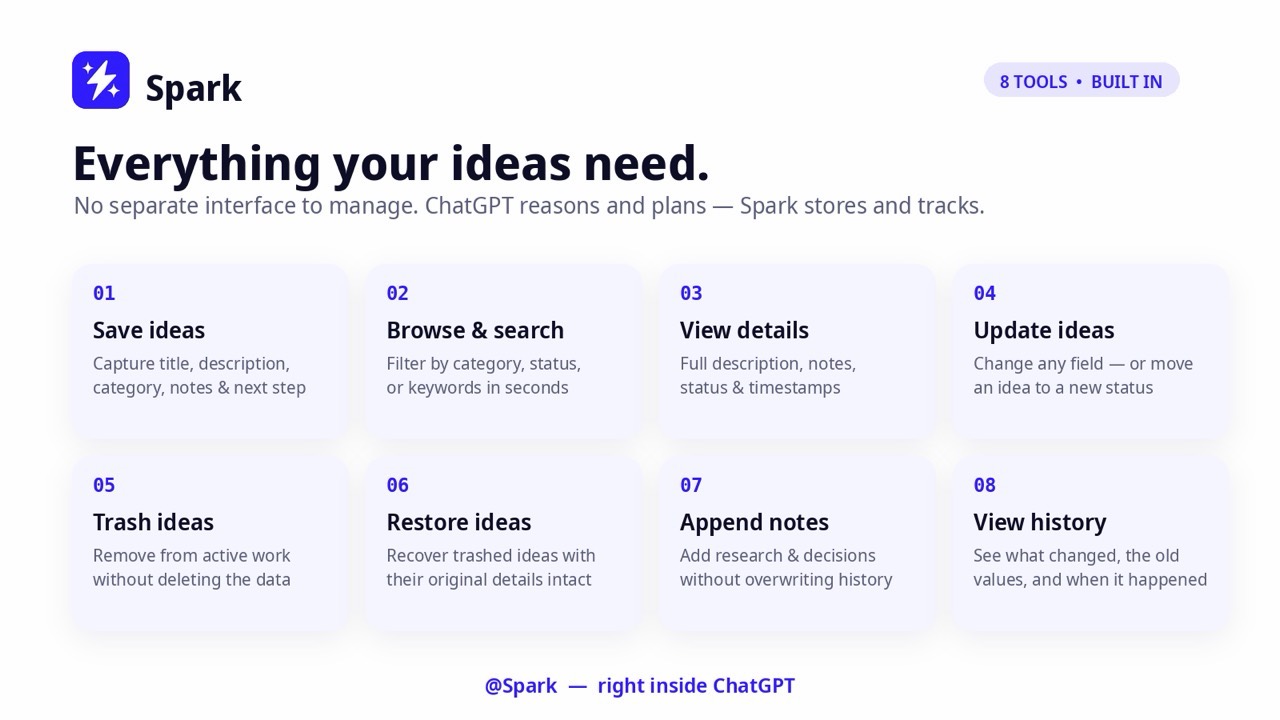
I expanded Spark from four tools to eight, adding the ability to append notes, view idea history, trash ideas, and restore them.
The expanded toolset gave me more flexibility without changing how I interacted with Spark.
I could still use natural language in ChatGPT, but the actions behind those requests were more specific.
That became an important design principle for me: keep the interface conversational, but make the underlying operations explicit.
For example, adding a note and updating an idea might sound similar, but they represent different intentions. Separating those actions makes it easier to preserve information and understand what a tool is supposed to do.
What building Spark taught me
Spark started as a way to learn plugin development, but I ended up learning quite a bit about designing software around AI.
The biggest lesson was that an AI integration is more than connecting a model to an API.
I had to think about what actions the assistant should be able to perform, how those actions should be defined, where the data should live, and how access should be controlled.
I also learned that authentication deserves end-to-end testing. A successful sign-in is useful, but the real test is whether an authenticated user can complete the intended workflow.
The SolarDesk retrieval was a better measure of progress than any individual login screen because it demonstrated that the integration worked together.
Another takeaway was the value of starting with a small set of useful tools. The first four were enough to prove the idea. The next four came from understanding what was missing once I started using Spark.
And perhaps my favorite part of the project was seeing how much functionality I could put behind a simple conversational interface.
I didn’t need to build a traditional dashboard before Spark became useful. ChatGPT could already help me organize, expand, compare, and revisit ideas. I just needed to give it a reliable way to work with the information I wanted to keep.
What’s next for Spark?
Building Spark answered my original question: could I create a useful ChatGPT plugin around a problem from my own workflow?
Yes. And it gave me a foundation to keep experimenting.
One direction I started exploring was connecting Spark to other AI assistants. If my ideas lived in Spark rather than ChatGPT, there was no reason they should be limited to a single conversational interface.
That led to the next engineering challenge: extending Spark to Muse while keeping the same underlying data and tools.
Spark is still an evolving project, but that’s part of what makes it interesting to me. I built something I actually use, learned new technologies along the way, and created a foundation I can continue improving.